
01
See the workload clearly
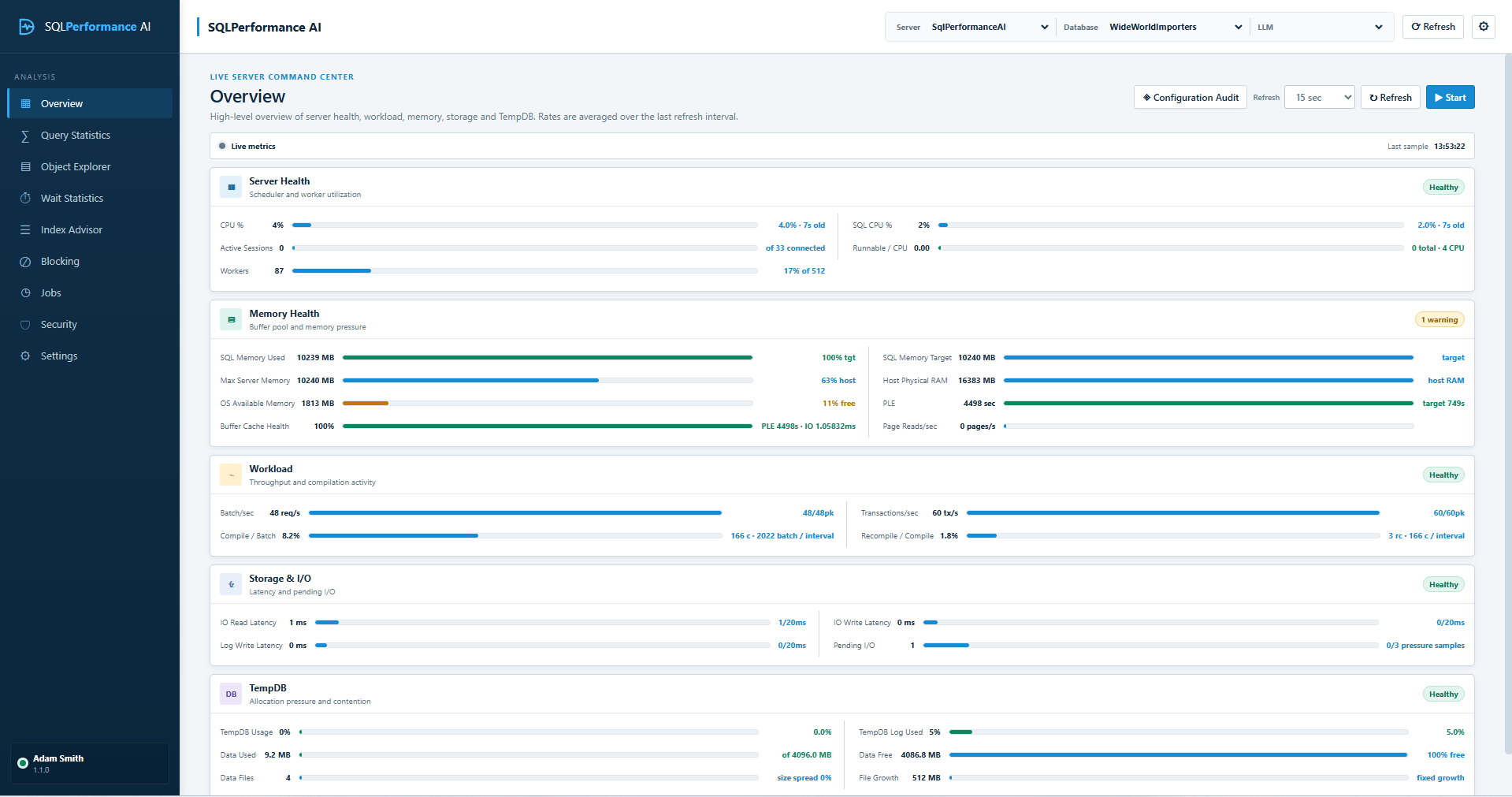
Start with server health, Query Store, waits, blocking, and high-impact query signals.
A read-only SQL Server performance tuning workbench for Windows. AI analysis defaults to your own local Ollama model; cloud AI providers are optional and chosen by you.
A clearer diagnostic workflow
A focused workflow for DBAs and engineering teams—without turning the database into another automation target.
Start with server health, Query Store, waits, blocking, and high-impact query signals.
Connect execution plans, runtime history, metadata, and deterministic findings in one review.
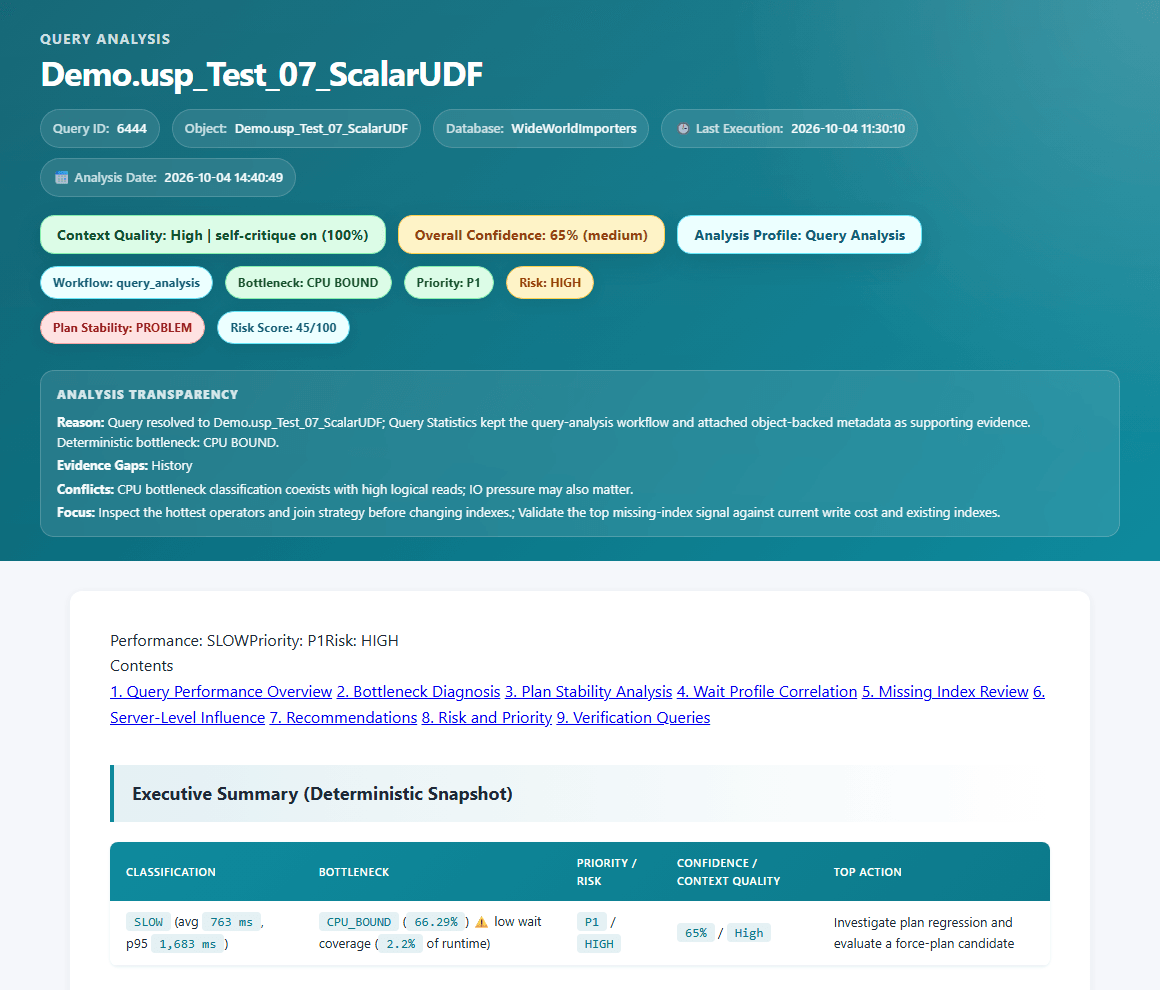
Export AI analysis reports as HTML with findings, recommendations, confidence, and a verification plan for your team.
Built for review
Move beyond isolated metrics. Bring the problem, supporting evidence, recommended actions, confidence, and verification plan into the same report.
Controlled by the operator
The application investigates and recommends. It does not automatically apply schema, index, job, or data changes.
Review securityUse a local Ollama model, or explicitly configure a supported cloud provider under your own data policy.
Explore AI settingsRecommendations are supported by the diagnostic signals available for the selected server, database, and workload.
See all capabilitiesStart with your own workload
Full features for 30 days. No credit card required. You review every recommendation and decide what happens next.
Recommendations are guidance only. Performance outcomes vary by workload. With the default local Ollama setup, AI analysis stays on your machine; cloud AI is optional and only used if you choose a provider.